
One annual payment.
No monthly billing.
Choose UK pricing in GBP or US pricing in USD. One family licence covers the devices included in your plan.
Annual billing. The monthly figure is the annual price divided by twelve. Payment is made once.
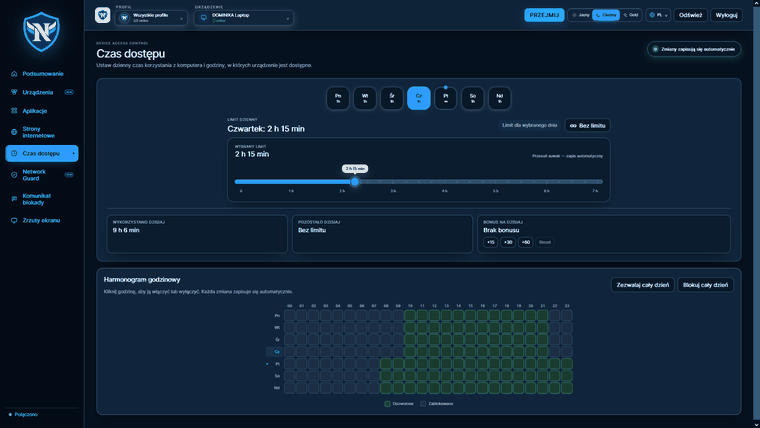
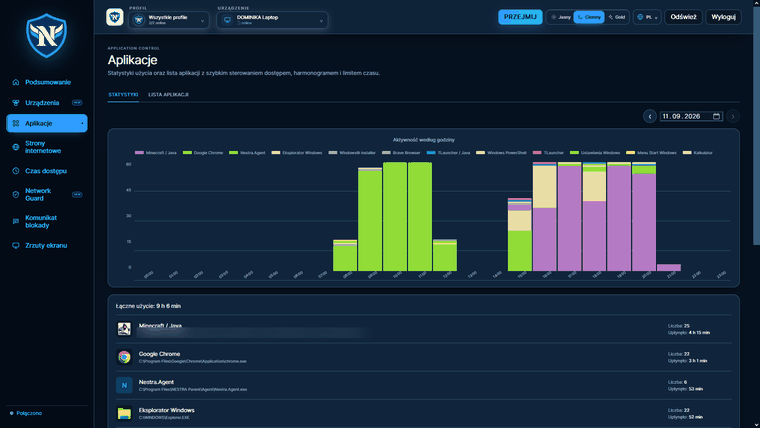
- Website filtering, time limits, YouTube controls
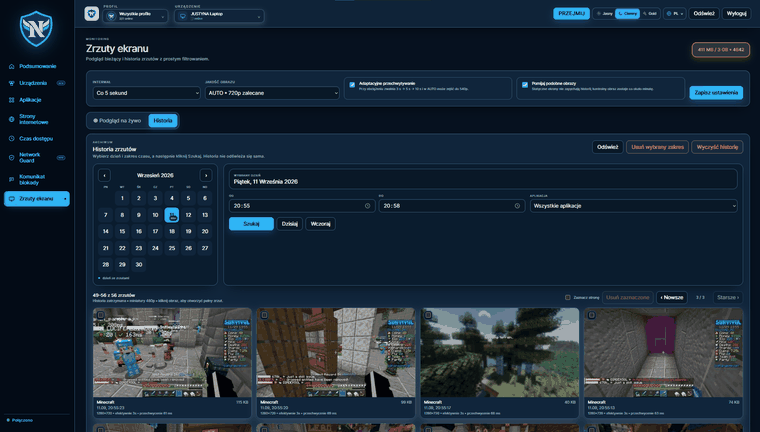
- Screen monitoring every 3 seconds
- Uninstall protection
- Weekly email report
- Everything in Basic
- Separate rules for each child
- Alerts for protection-tampering attempts
- Everything in Family
- Second parent/carer account
- Setup assistance
Prices include VAT where applicable. Trial: 7 free days for up to 2 devices so you can test NESTRA before choosing a plan.
We don't split features into better and worse tiers.
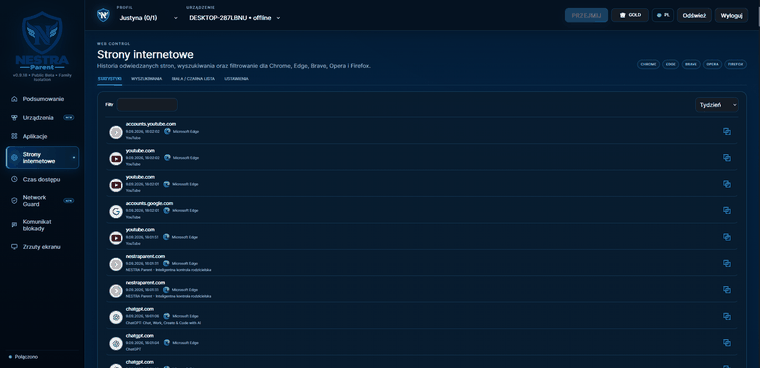
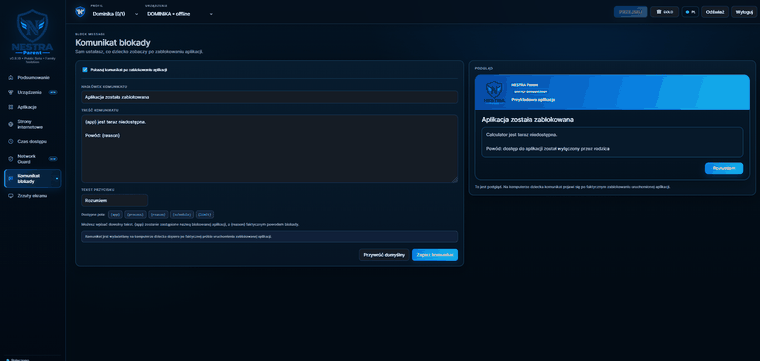
Straight answers, with no small print at the bottom of the page.
Is this legal?
Yes. A parent or legal guardian has the right to supervise a minor child. We advise against using NESTRA to monitor adult household members without their consent — and technically, we will not help you do that.
Does my child know that NESTRA is running?
Yes. The Agent has a visible icon and its own screen showing that the computer is protected. We do not offer a hidden mode — spyware used without the user's knowledge is a different product category and a different conversation.
Will it slow down the computer? What about games?
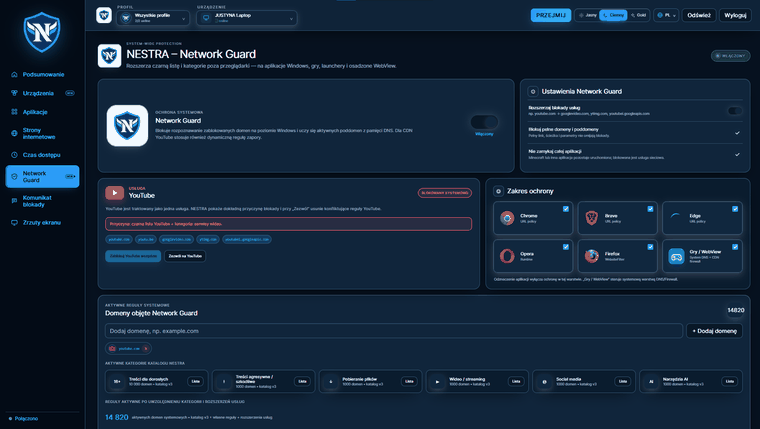
The Agent runs as a background service: it filters connections and saves individual screen frames every three seconds. It does not record continuous video or inject into game processes, so it does not interfere with anti-cheat systems.
Do you have an Android, iPhone or Mac version?
Not today. NESTRA supports Windows 10 and 11 only. We would rather say that on the home page than hide it in the terms after purchase.
What happens if the computer loses its internet connection?
The last downloaded rules remain on the device and continue to apply. Unplugging the cable is not a way to remove the limit — it is a way to lose internet access.
How do I remove NESTRA when it is no longer needed?
In the parent dashboard, choose “Release device”. The Agent receives authorisation, unlocks uninstallation and deletes its local data. Without this step, the installer will not proceed.
Pair your first computer in fifteen minutes.
Create a parent account, add a child profile and see your first log this evening. Three days free, with no sales call.